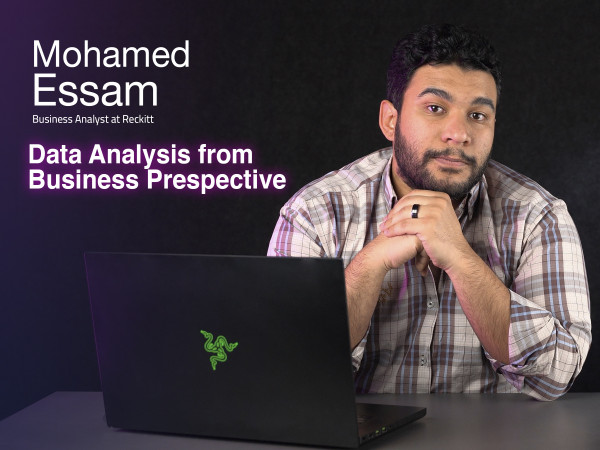
Data Analysis from Business Perspective
In this course you will learn:
- How to document your data and use pivot table.
- How to manage the data you're inserting and merge it all in one sheet.
- Understand the types of data and how to deal with multiple data.
- What is cleaning and transforming.
- How to adjust the data errors that might appear.
- the importance of the time factor and how to apply it on calculated measures.
- Usage of excel calendar and visualization.
Who takes this Course
This course is for anyone who wants to fully understand how to analyze his business' data through excel sheets. Cause it helps build a strong background of using all the app's features, and in this course they'll learn all the tips and trick they need to make it easier to analyze and understand all their inserted data.
Content
-
Lecture 1: Intro to Data Analysis
5 minutes 40 seconds -
Lecture 2: Why Pivot Table
4 minutes 47 seconds -
Lecture 3: Pivot Table
7 minutes 25 seconds -
Lecture 4: Power Pivot
8 minutes 51 seconds -
Lecture 5: Data Model
9 minutes 22 seconds -
Lecture 6: Connecting with Different Data Types
12 minutes 6 seconds -
Lecture 7: Power Query
3 minutes 50 seconds -
Lecture 8: Data Cleaning & Transformation
15 minutes 45 seconds -
Lecture 9: Intro to DAX Functions
3 minutes -
Lecture 10: DAX Functions
9 minutes 27 seconds -
Lecture 11: Calculated Measures
11 minutes 55 seconds -
Lecture 12: Calendars
6 minutes 38 seconds -
Lecture 13: Dynamic Time Intelligence
14 minutes 39 seconds -
Lecture 14: Chart Types
11 minutes 5 seconds -
Lecture 15: Dynamic Dashboard
11 minutes 22 seconds
Meet your instructor