
How to Get an Internship
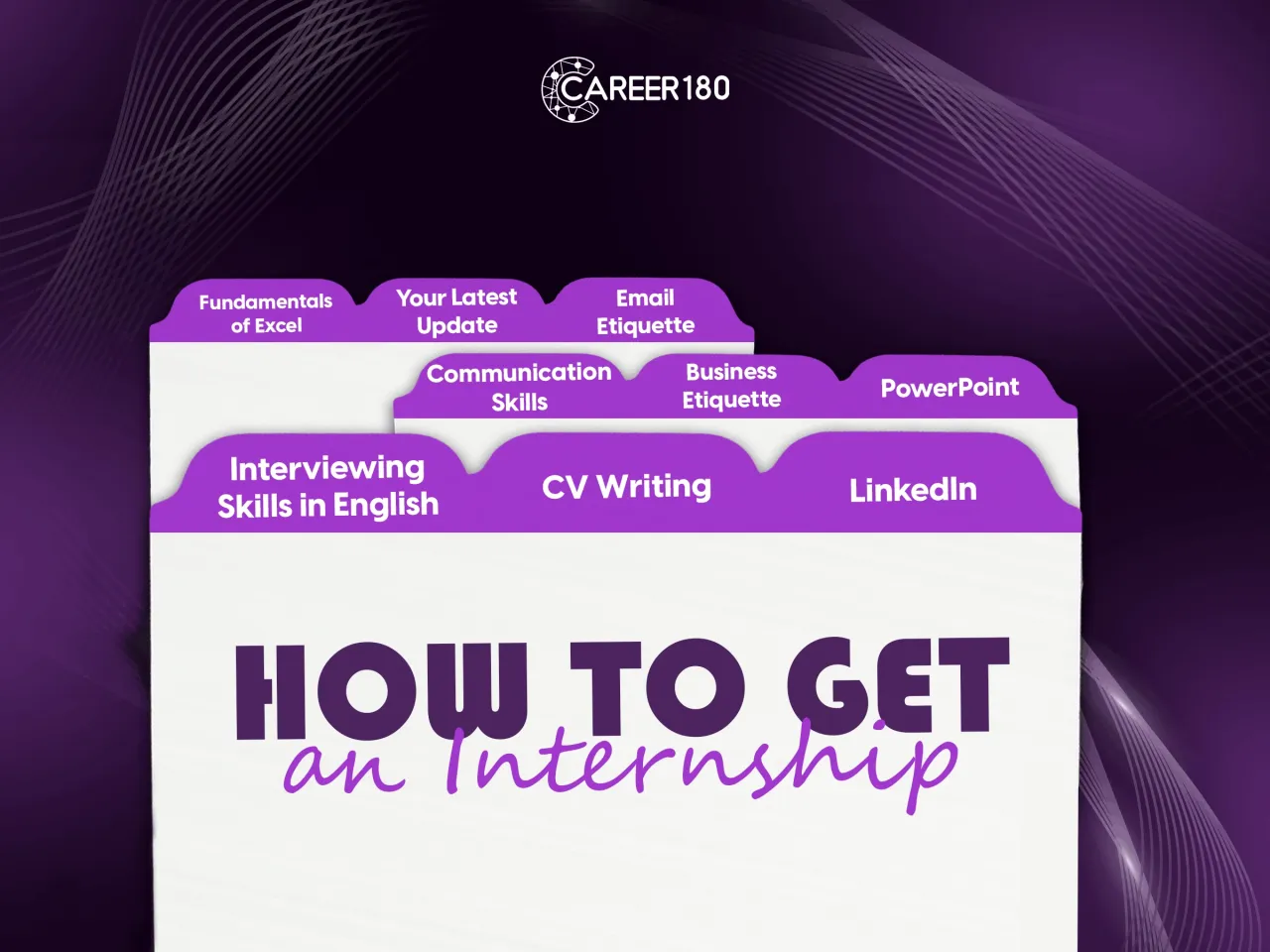
Getting your Internship is a journey with wonderful steps, starting with making a CV and continuing through enhancing your soft and technical skills. So, let's start your first steps in getting your first job.
- How to write a professional CV?
- How to build your LinkedIn Profile in a professional way?
- How to pass an interview in English?
- How to enhance your communication skills?
- How to make a PowerPoint Presentation?
- How to build Excel sheets with different features?

Course 1
In this course you will learn:
- How to write a CV in a professional and attractive way.
- Difference between career objectives and career highlights and how to summarize it.
- How to highlight your achievements in your CV.
- How to describe your skills, extracurricular activities, courses, certificates, and personal details in your CV
-
Intro
46 seconds -
Content Details
2 minutes 9 seconds -
Career Objectives
57 seconds -
Education
1 minute 7 seconds -
Work and Internship Experience
1 minute 47 seconds -
Extracurricular Activities
1 minute 56 seconds -
Courses
1 minute 15 seconds -
Certificates
1 minute 30 seconds -
Skills
3 minutes 16 seconds -
Personal Details
1 minute 30 seconds -
Tips & Tricks
3 minutes 37 seconds

Course 2
This LinkedIn course teaches job seekers how to build a more professional presence on LinkedIn and use the platform during their job search. It explains the difference between personal profiles and company pages, then covers profile development, resume creation, networking, platform features, and finding suitable opportunities.
What You Will Learn:
- The difference between a personal profile and an official company page.
- The main LinkedIn features available to job seekers.
- How to develop a professional LinkedIn profile.
- How LinkedIn can support your personal brand.
- How to build or present a resume through LinkedIn.
- How to search for suitable jobs on the platform.
- How to grow a relevant professional network.
- How profile information can support professional visibility.
-
Intro
1 minute 16 seconds -
LinkedIn Profile VS. Pages Part 1
7 minutes 25 seconds -
LinkedIn Profile VS. Pages Part 2
13 minutes 44 seconds -
LinkedIn Features
9 minutes 51 seconds -
How to Find Jobs on LinkedIn Part 1
14 minutes 56 seconds -
How to Find Jobs on LinkedIn Part 2
15 minutes 21 seconds -
Networking
4 minutes 21 seconds -
Tips and Tricks
10 minutes 20 seconds
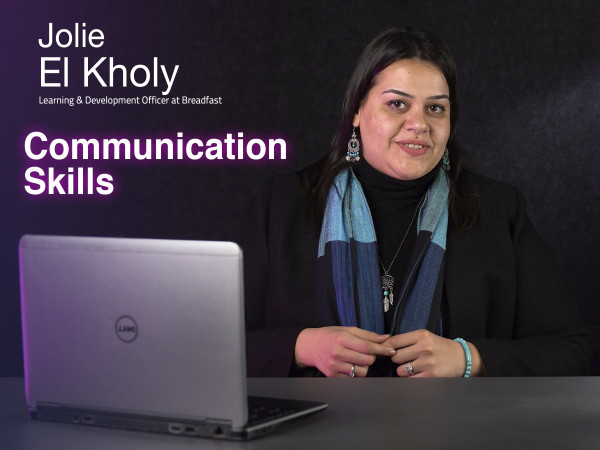
Course 3
In this course you will learn:
- What is Albert Mehrabian`s theory.
- The importance of context.
- The difference between listening and hearing.
- How to setup your mind.
- What is the ego states.
- How to handle meetings.
- The importance of negotiation skills.
- How to deal with feedbacks.
- How to write formally.
-
Intro
2 minutes 55 seconds -
Communication building block: People
3 minutes 43 seconds -
Communication building block: Message
6 minutes 18 seconds -
Communication building block: Context
5 minutes 7 seconds -
Introvert/Extrovert Misconception
5 minutes 52 seconds -
Listening Traps
7 minutes 31 seconds -
Triggering Points
7 minutes 39 seconds -
Articulating Thoughts
4 minutes 58 seconds -
Transactional Analysis
9 minutes 35 seconds -
Meetings
11 minutes 47 seconds -
Persuasion & Negotiation
6 minutes 21 seconds -
Giving & Receiving Feedback
5 minutes 32 seconds -
Written Communication
10 minutes 30 seconds

Course 4
This business etiquette course explains the professional behaviors that shape how people present themselves in interviews, offices, meetings, and online spaces. It covers the difference between social and business etiquette, dress codes, posture, gestures, handshakes, workplace conduct, and professional social media presence.
What You Will Learn:
- The difference between social etiquette and business etiquette.
- Common types of professional dress codes.
- How to select suitable clothing for different situations.
- Appropriate posture, gestures, and sitting positions.
- How to give a professional handshake.
- Etiquette for job interviews.
- Professional behavior in offices and meetings.
- How to maintain a professional presence on social media and LinkedIn.
-
Intro
59 seconds -
Introduction to Business Etiquette
3 minutes 45 seconds -
First Impression
1 minute 50 seconds -
Appearance
9 minutes 36 seconds -
Body Signals
4 minutes 58 seconds -
Handshakes
5 minutes 38 seconds -
Interview Etiquette
9 minutes 29 seconds -
Office Etiquette
8 minutes 5 seconds -
Phone Etiquette
4 minutes 43 seconds -
Netiquette
8 minutes 7 seconds
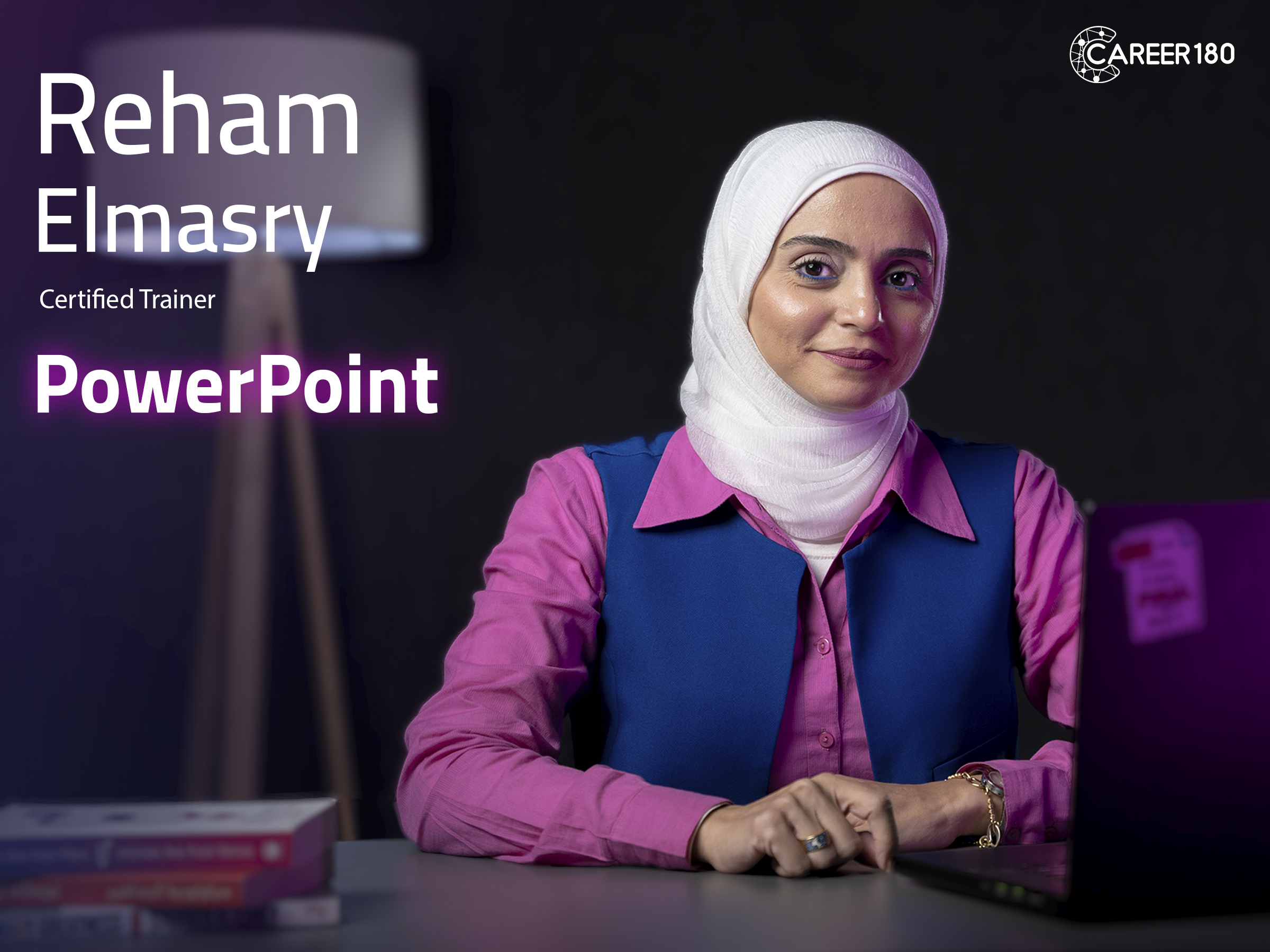
Course 5
This PowerPoint course introduces the main tools used to build and deliver organized presentations. Learners explore the PowerPoint interface, slide layouts, design features, inserted elements, transitions, animations, recording options, and the tools available for reviewing and presenting their work.
What You Will Learn:
- How to navigate the PowerPoint interface and its main features.
- How to use the Home, Insert, Draw, and Design tabs.
- How to organize information through effective slide layouts.
- How images, charts, and visual hierarchy support a clear story.
- How to add slide transitions and animations.
- How to record a presentation in PowerPoint.
- How to use the View and Review tabs.
- How to prepare a clearer, more polished presentation.
-
Intro
59 seconds -
PowerPoint Interface
7 minutes 48 seconds -
File Tab
11 minutes 7 seconds -
Home Tab Part 1
12 minutes 51 seconds -
Home Tab Part 2
11 minutes 36 seconds -
Insert Tab Part 1 (Pictures)
11 minutes 45 seconds -
Insert Tab Part 2 (Tables)
11 minutes 10 seconds -
Insert Tab Part 3 (Albums & Screenshots)
1 minute 53 seconds -
Insert Tab Part 4 (Shapes & Icons)
10 minutes 24 seconds -
Insert Tab Part 5 (Smart Art & Charts)
7 minutes 20 seconds -
Insert Tab Part 6 (Links)
11 minutes 3 seconds -
Insert Tab Part 7 (comments & Text)
8 minutes 48 seconds -
Insert Tab Part 8 (Symbols & Media)
10 minutes 39 seconds -
Draw Tab
3 minutes 24 seconds -
Design Tab
7 minutes 20 seconds -
Transitions Tab
4 minutes 37 seconds -
Animation Tab
7 minutes 21 seconds -
Slide Show Tab
9 minutes 52 seconds -
Record Tab
2 minutes 16 seconds -
Review Tab
6 minutes 27 seconds -
View Tab
4 minutes 39 seconds -
Help & Acrobat
9 minutes 3 seconds

Course 6
This online Excel course introduces the tools needed to navigate worksheets, organize data, and work more confidently with spreadsheet content. It explains the purpose of Excel tabs, paste options, symbols, cell types, formatting, protection, formulas, and functions. Learners also see how tables can make data from different sources easier to review and compare.
What You Will Learn:
- The content and purpose of the main Excel tabs.
- How to navigate an Excel worksheet.
- How to use different paste options for values and formats.
- How to access symbols in Excel.
- How cell types affect work within a worksheet.
- How to format and protect an Excel sheet.
- How formulas and functions support spreadsheet work.
- How to organize data in tables for easier comparison.
-
Intro
1 minute 3 seconds -
Getting Started
4 minutes 8 seconds -
Tabs
4 minutes 49 seconds -
Navigation
3 minutes 14 seconds -
Paste
3 minutes 47 seconds -
Symbols
1 minute 50 seconds -
Cell Type
3 minutes 35 seconds -
Tables
3 minutes 54 seconds -
Freeze
1 minute 15 seconds -
Protect
2 minutes 16 seconds -
Formatting
9 minutes -
Conditional Formatting
5 minutes 43 seconds -
Formulas (Equal)
2 minutes 28 seconds -
Dollar Sign
6 minutes 34 seconds -
Formulas (IF)
4 minutes 2 seconds -
Formulas (IFs)
5 minutes 43 seconds -
Sum/Sumifs, Average/Averageifs, Count/Countifs
7 minutes 6 seconds -
Vlookup, Hlookup
11 minutes 2 seconds -
Max/Min, Large/Small
5 minutes 21 seconds -
Charts
8 minutes 10 seconds -
Conclusion
4 minutes 22 seconds
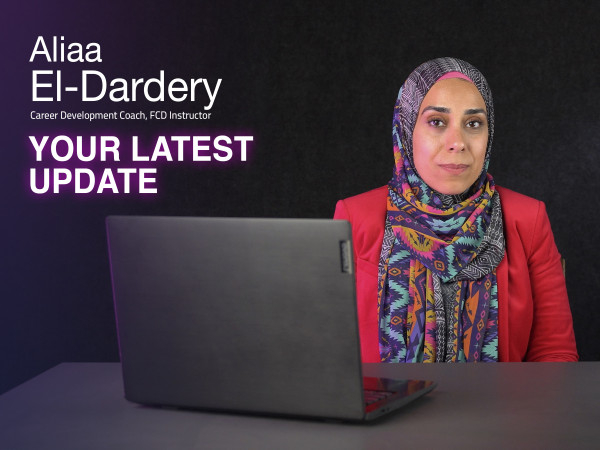
Course 7
This career planning course helps you understand your interests, skills, personality, and preferred career style before deciding on your next professional step. Designed as structured career planning training and development, it follows a clear career planning course outline that connects self-awareness with realistic career goals and job options.
What You Will Learn:
- How to build stronger self-awareness.
- How to identify and list your occupational interests.
- How to recognize your current skills.
- How personality and career-style assessments can support career decisions.
- How to define the job description that matches your direction.
- How to decide when and where to begin.
- How to review and update your career direction as you develop.
-
Intro to the Program
0 seconds -
Importance of Self-Awareness
1 minute 45 seconds -
Occupational Interests
2 minutes 52 seconds -
Career Values
2 minutes 46 seconds -
Motivated Skills & Competencies
7 minutes 5 seconds -
Personality Style
1 minute 57 seconds -
Setting the Right Mindset
2 minutes 5 seconds -
Envisioning
1 minute 38 seconds -
Value Check
2 minutes 45 seconds -
In-depth Analysis
3 minutes 34 seconds -
Making your Decision
2 minutes 46 seconds -
Building a Company ProfileAC
2 minutes -
Entrepreneurial Readiness
1 minute 22 seconds -
Time to Take Action
11 minutes 17 seconds -
Conclusion
57 seconds

Course 8
This email etiquette course focuses on writing clear, structured, and professional messages. It examines common communication obstacles and explains how to open an email effectively, organize its main body, and finish with an appropriate closing for the situation.
What You Will Learn:
- Common obstacles that affect email communication.
- The essential principles of effective email writing.
- How to begin an email clearly and appropriately.
- The main components of an email body.
- How to structure information within the message.
- How to choose suitable concluding remarks.
- Strategies for closing an email effectively.
- How professional etiquette supports clearer communication.
-
Intro
1 minute 14 seconds -
Email Challenges
3 minutes 47 seconds -
Email Overview Part 1
4 minutes 36 seconds -
Email Overview Part 2
4 minutes 6 seconds -
Email Overview Part 3
6 minutes 36 seconds -
Email Overview Part 4
2 minutes 2 seconds -
Final Checkups
2 minutes 18 seconds -
Tips for Better Email Writing
2 minutes 26 seconds
Subscriptions
Start watching our recorded courses in different fields with our great experts
1 Month Subscription
Benefits
- Full access to all courses
- Full access to material of courses
- Engage with course instructors
- Get certificate of completion
1 Year
Benefits
- Full access to all courses
- Full access to material of courses
- Engage with course instructors
- Get certificate of completion
3 Months
Benefits
- All one month subscription perks
- Access for three months
- Access for 3 users